Pre-release iOS app
A school for photography and moving image, not a checklist.
Learn with the camera you already own. You predict what will happen, take the picture, compare the result with your prediction, and keep notes on what you learned.
- Pre-release
- iPhone, iOS 18 and later
- Not yet on the App Store
How practice works
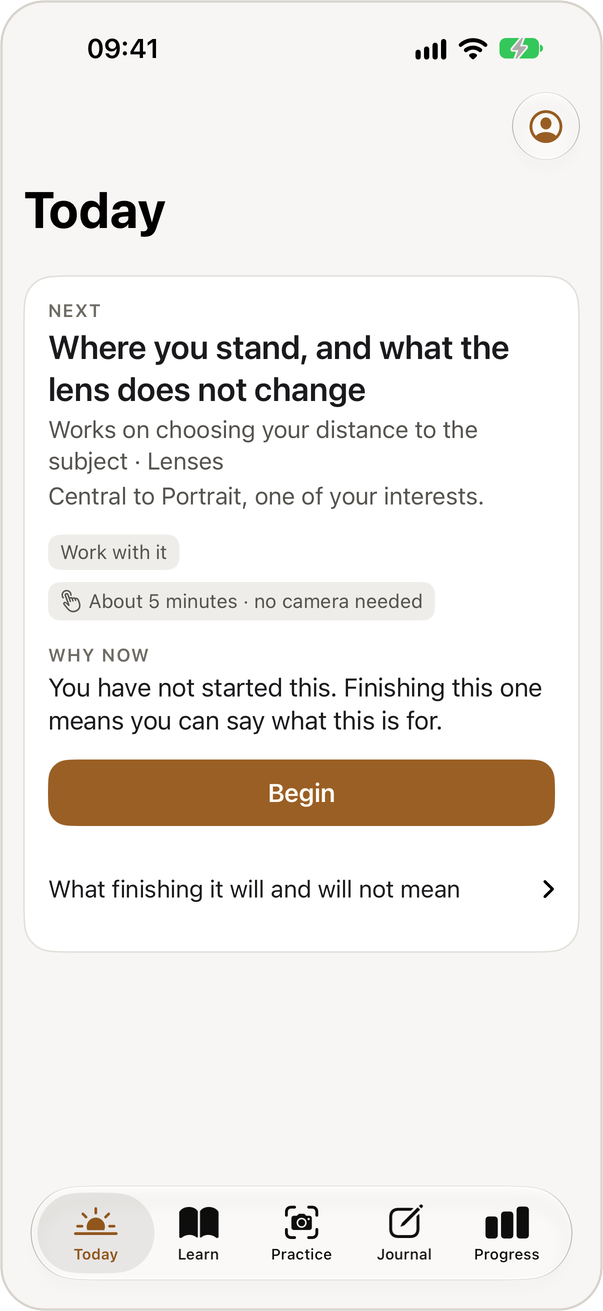
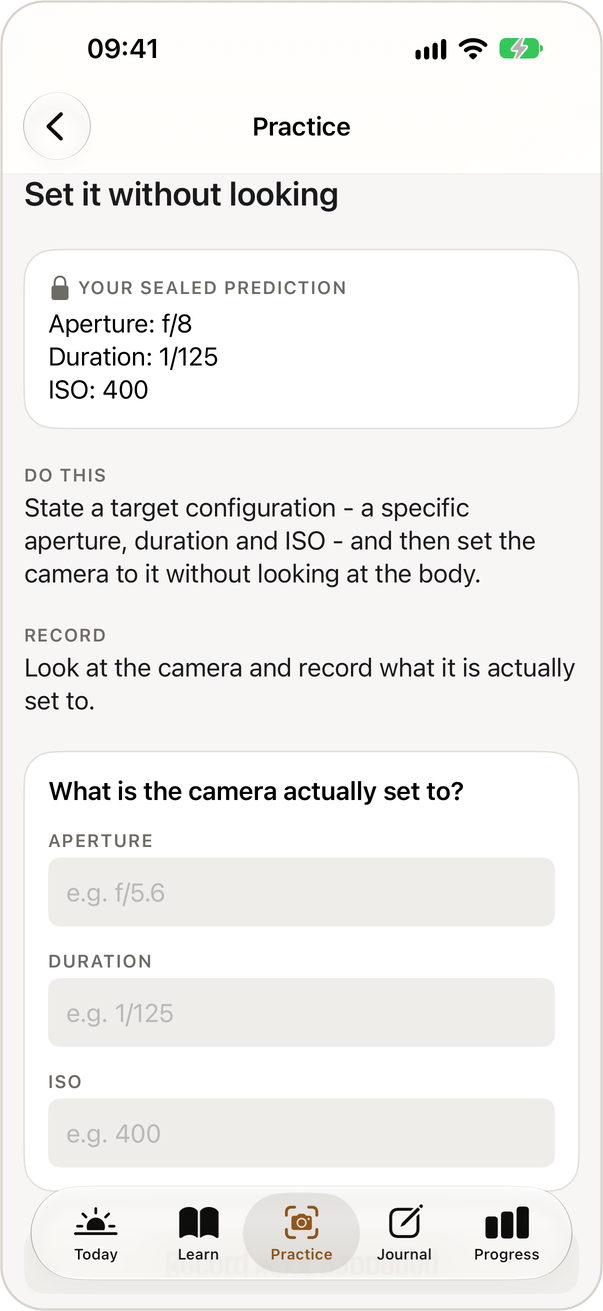
Predict, shoot, observe, reflect
IMAGECRAFT does not take, import or analyse photographs. You practise on your own camera, and the app organises the part that makes practice useful, which is committing to an expectation before you see the result.
Predict
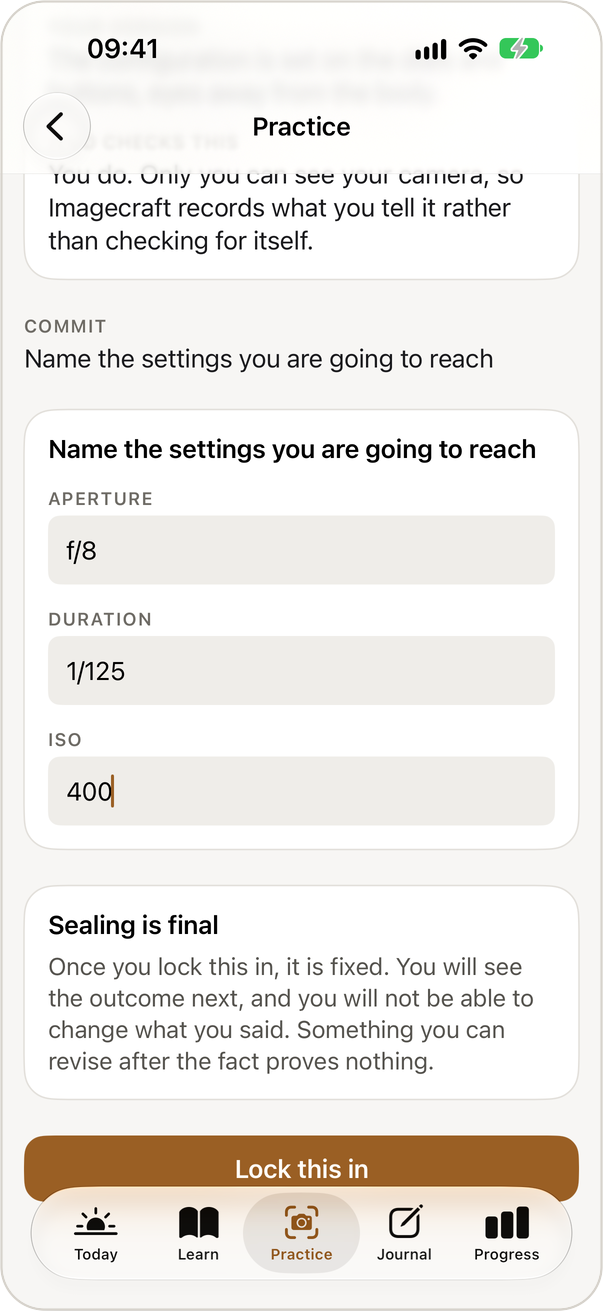
Write down what you expect, for example the settings you will dial in without looking.
Seal
Lock the prediction. If you could edit it after seeing the outcome, it would prove nothing.
Shoot and observe
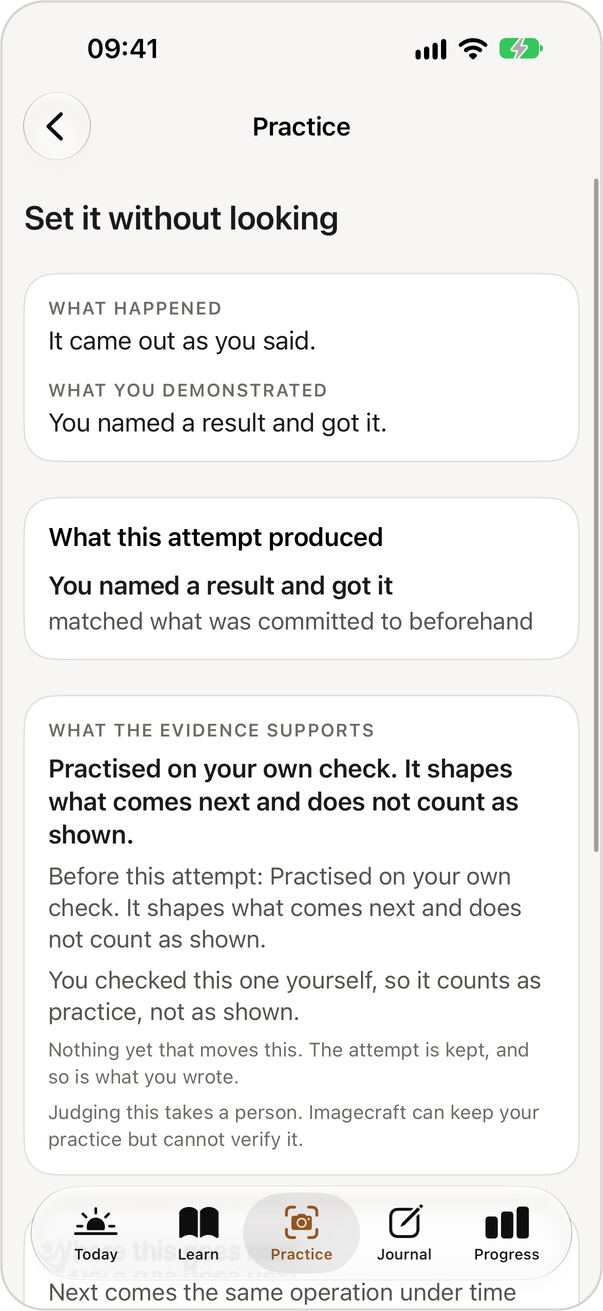
Do it on your own camera, then record what actually happened.
Reflect
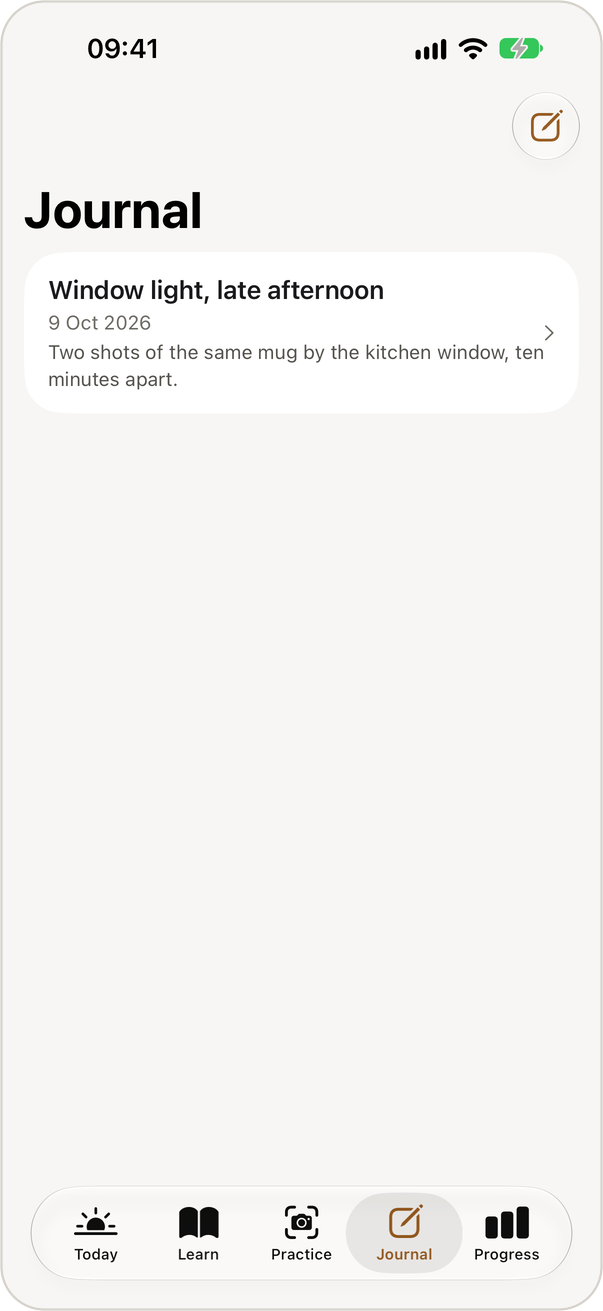
Note what surprised you and what you would change. The history keeps it in your own words.
Two kinds of work
Two kinds of exercise
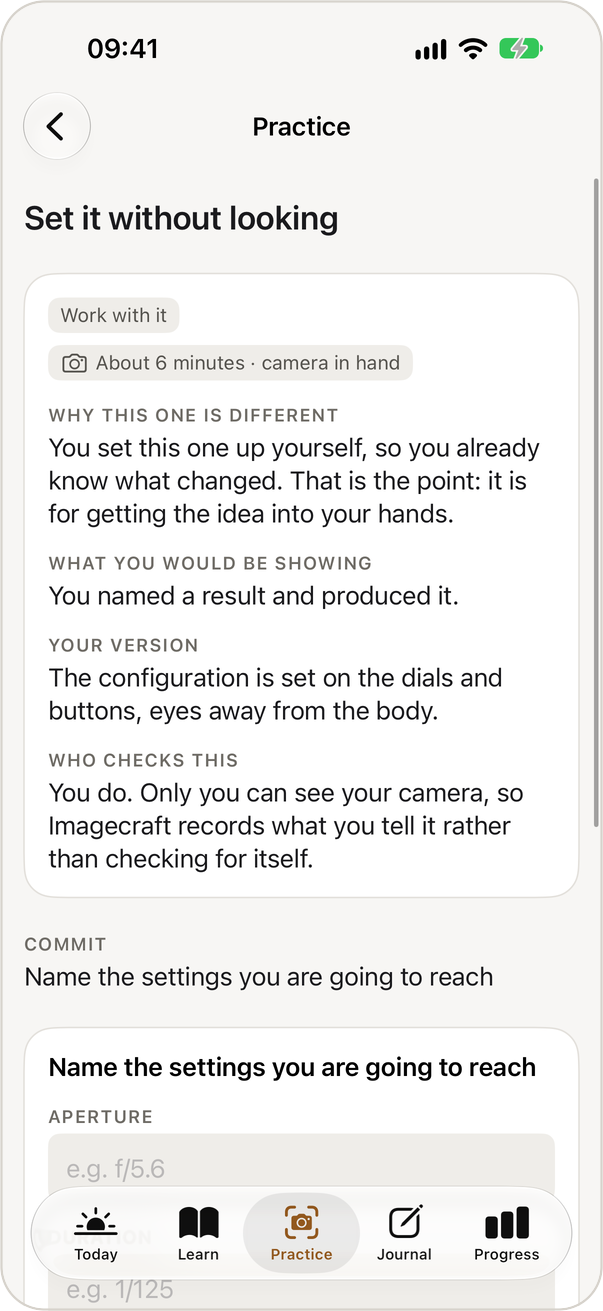
Work with it
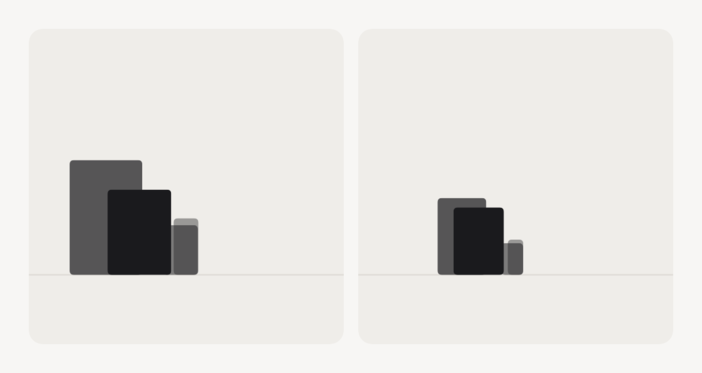
You set it up yourself, so you already know what changed. These exercises get an idea into your hands.
Spot it
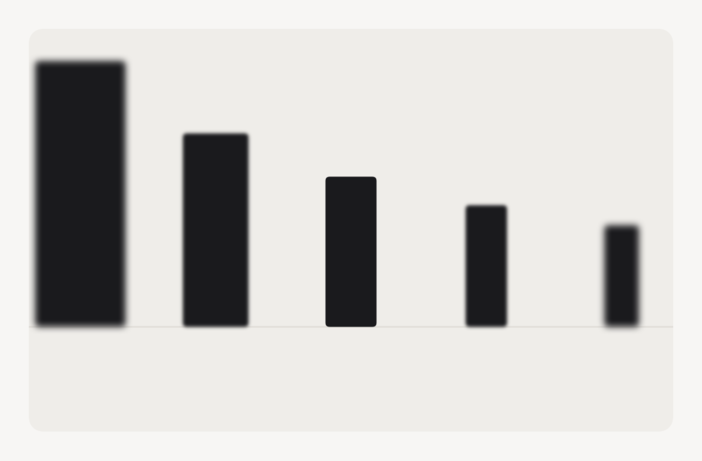
IMAGECRAFT made the material, so you cannot know in advance what it did. Noticing an effect you did not arrange is a separate skill.
Because the app draws the material itself, the right answer is a fact about how each picture was made. The drawings are cleaner than photographs, and results do not claim more than practice with drawings.
Honest progress
Progress in two parts
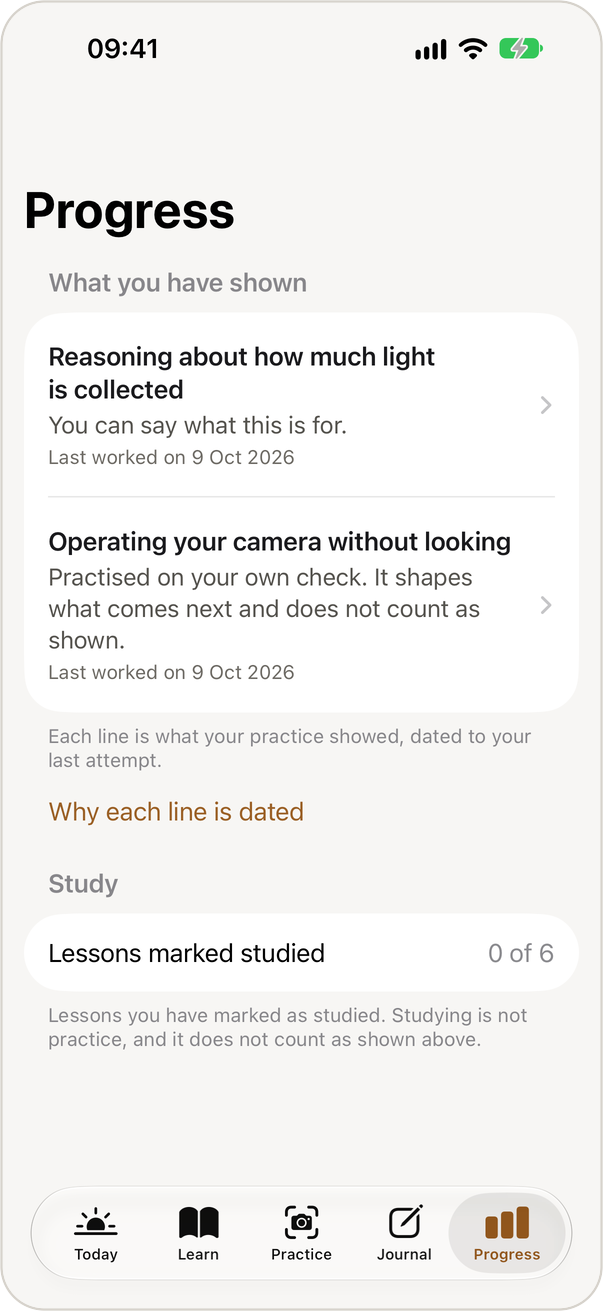
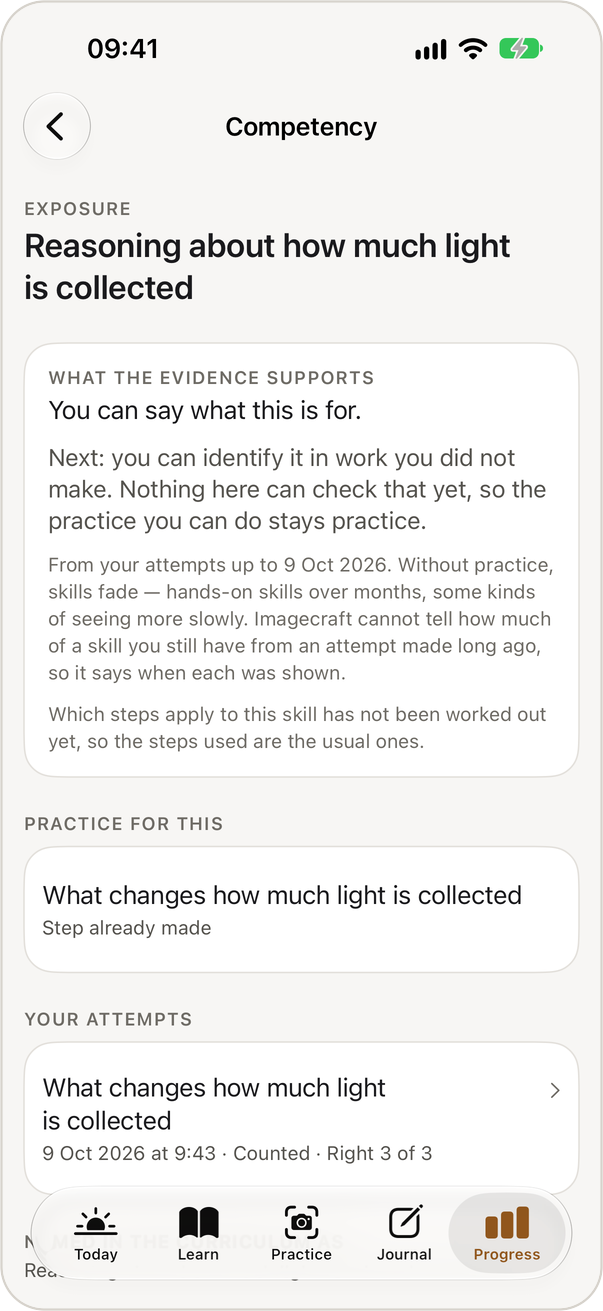
IMAGECRAFT reports what you have shown separately from what you have practised. Shown means results that something other than your own judgement checked. Practised also includes work only you can judge, such as whether a photograph matched what you intended.
Self-checked practice is used to suggest what to try next, and it is never presented as proof. There are no points, streaks or percentages.
Gear-aware practice
Practice with the kit you own
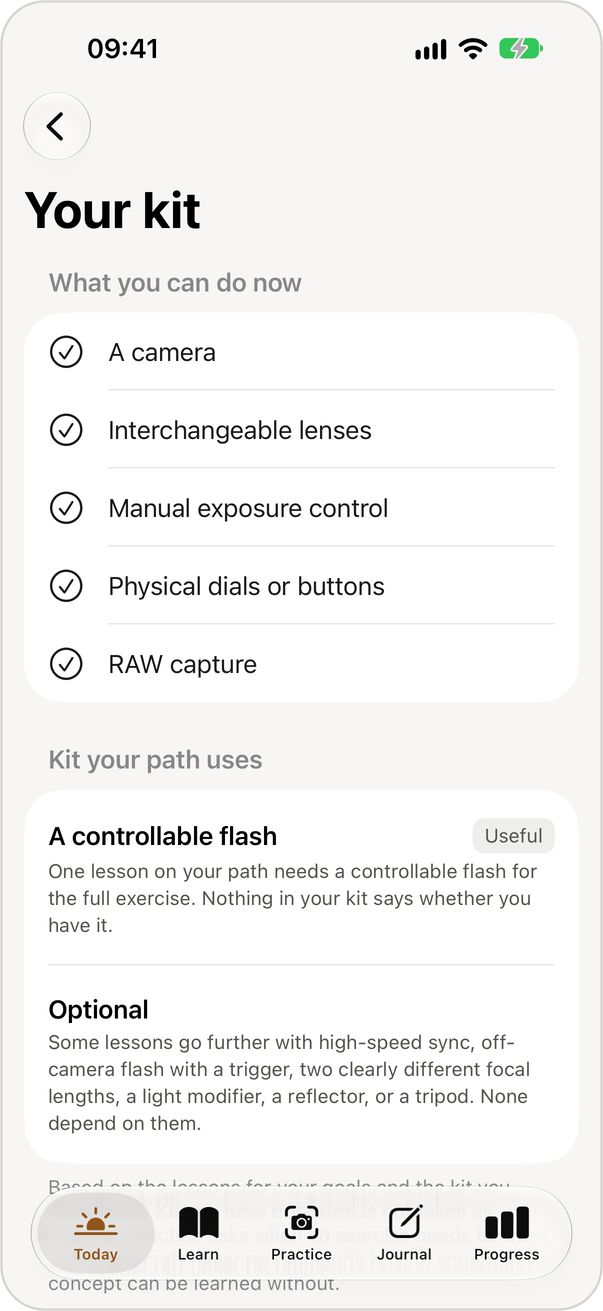
You can tell IMAGECRAFT what you shoot with, and exercises adapt to it. A screen in your profile lists what your kit already lets you practise, and the app says plainly when something on your path needs equipment you have not listed.
It never names a product and does not suggest buying anything your path does not need.
Privacy
Nothing leaves the device
The current pre-release build makes no network requests. It contains no analytics, tracking, advertising or crash-reporting code and links no third-party packages.
It asks for no permissions, so it has no access to the camera, the photo library or your location. Everything you write is stored on your device.
An engineering description, not a legal privacy policy. A formal policy will be published before the app is distributed.
Accessibility
Readable at every size
Screens support Dynamic Type up to the largest accessibility sizes. The light and dark palettes are chosen in pairs, and automated tests check text contrast against each background.
Every generated drawing has a written description, and the UI tests include automated accessibility audits and pseudolocalisation.
An independent accessibility review is planned before release and has not yet taken place.
Status
Pre-release
A release candidate is being prepared. A small closed TestFlight beta is planned but has not started, and IMAGECRAFT is not available on the App Store yet.
The app is written in Swift with SwiftUI and SwiftData for iOS 18 and later. More than 550 unit tests and more than 70 UI tests have been run on simulators from iOS 18.0 to iOS 27.